
Folder Monitor
Application
This application monitors a folder for changes and propagates those changes to a cloud provider like IDrive, Backblaze, CloudFlare or Google Drive. Other remote destinations are a shared folder or an FTP server.
This project started off as a simple Powershell script to automatically upload security camera and smart doorbell videos to a cloud provider. The cameras published files to an FTP server running on the LAN. The Powershell script detected new files on the FTP server folder and copied that file to the cloud provider.
It worked fine, but was quite cumbersome to maintain.
For example to monitor another folder I had to copy the script and update it.
Another limitation was that a PowerShell script would only work on Windows.
As I wanted to move my servers to Ubuntu. This is when I wondered if I could use Python to build one application for Windows, Linux and MaxOS.
I sent prompt to Google: is there a Python module for a folder watcher like System.IO.FileSystemWatcher on Windows.
Google Gemini replied immediately with the "watchdog" module and it was exactly what I was looking for.
Had little experience in Python but with Google Gemini and GitHub Copilot extension in VS Code I got up to speed quickly.
It was a fantastic journey and learned an awful lot about Python, pip, and how to use Github Copilot to get the proper code generated.
One of the most astonishing things is how easy it now is to get up to speed with a new language and the domain logic using an AI agent like Copilot.
Even the comments and document block can be generated.
Also, when in doubt about different options Google Gemini gives a thorough overview of the pros and cons of each option.
It really feels like magic
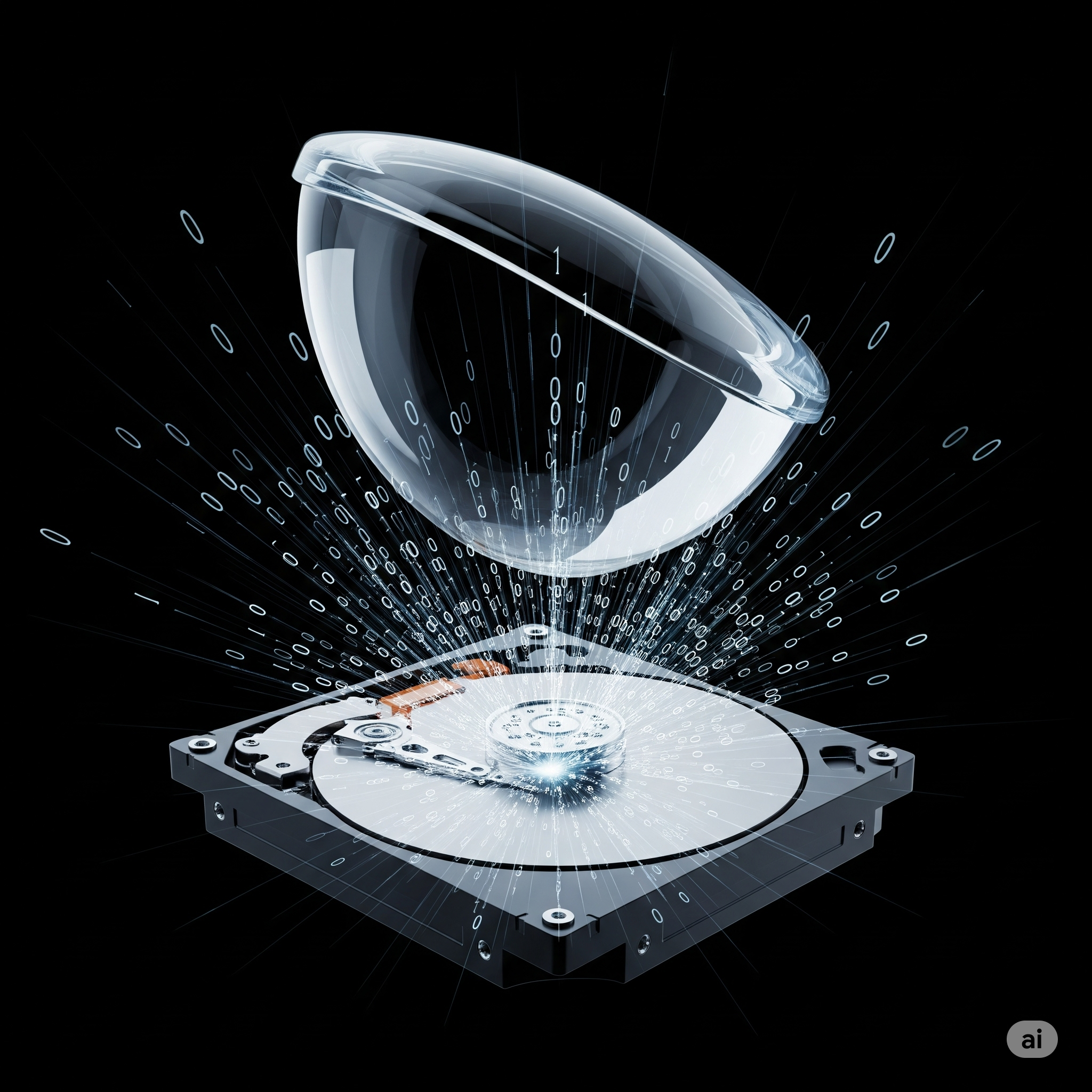
The image above with a magnifying glass hovering above a hard disk has been generated by Google Gemini.
The prompt was:
"Would like to have an image of an amplifying glass hovering above a hard disk and zeros and ones coming out of the hard disk".
The generated image is a raster image (like JPG or PNG) that is generated pixel by pixel.
Next I asked if the generated image could be in SVG format.
Directly generating images in SVG (Scalable Vector Graphics) format with the kind of detail seen in the previous image is not a standard capability for these models.
SVG is a vector format, which means it describes images using mathematical equations for lines, curves, and shapes, rather than a grid of pixels.
We live in a magical world.